Routines for your day
Choose apps or websites, the hours and the days: “Deep work, weekdays 9 to 5” or “No scrolling after 10 PM”. Overnight routines end the next morning.
Coming soon for iPhone
Slowpass blocks the apps you choose, on your schedule. When you really need one, a short pause comes first, then a few real minutes.
Slowpass uses Apple’s Screen Time controls, so blocking happens in iOS itself, not in a browser tab you can close.
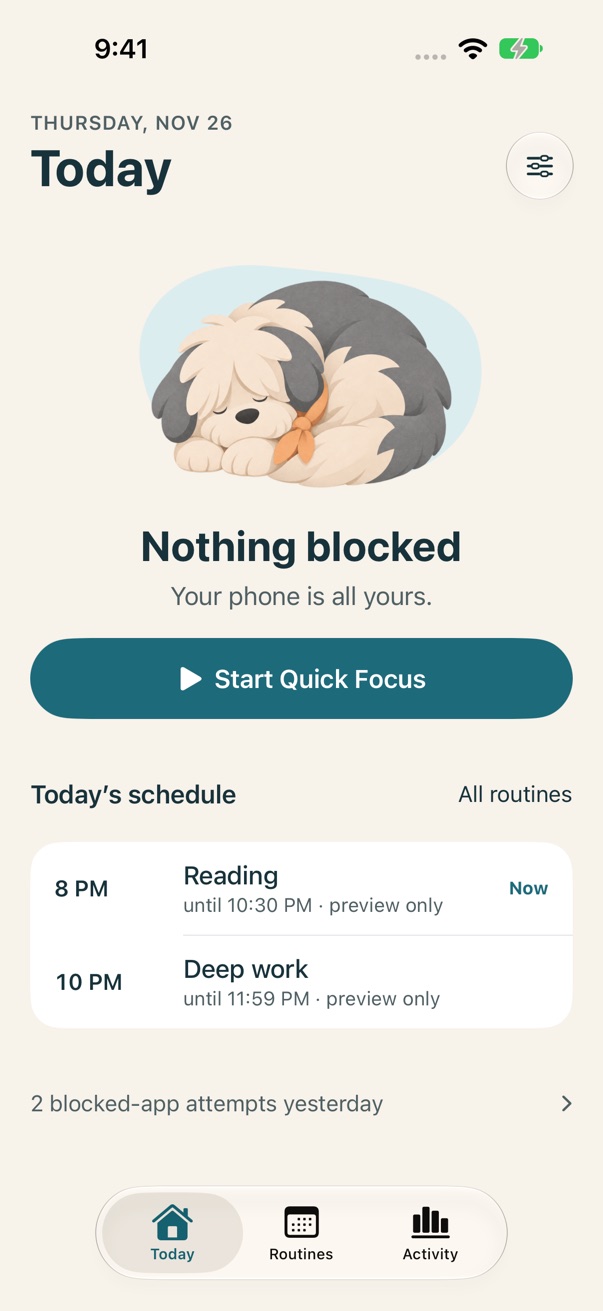
Choose apps or websites, the hours and the days: “Deep work, weekdays 9 to 5” or “No scrolling after 10 PM”. Overnight routines end the next morning.
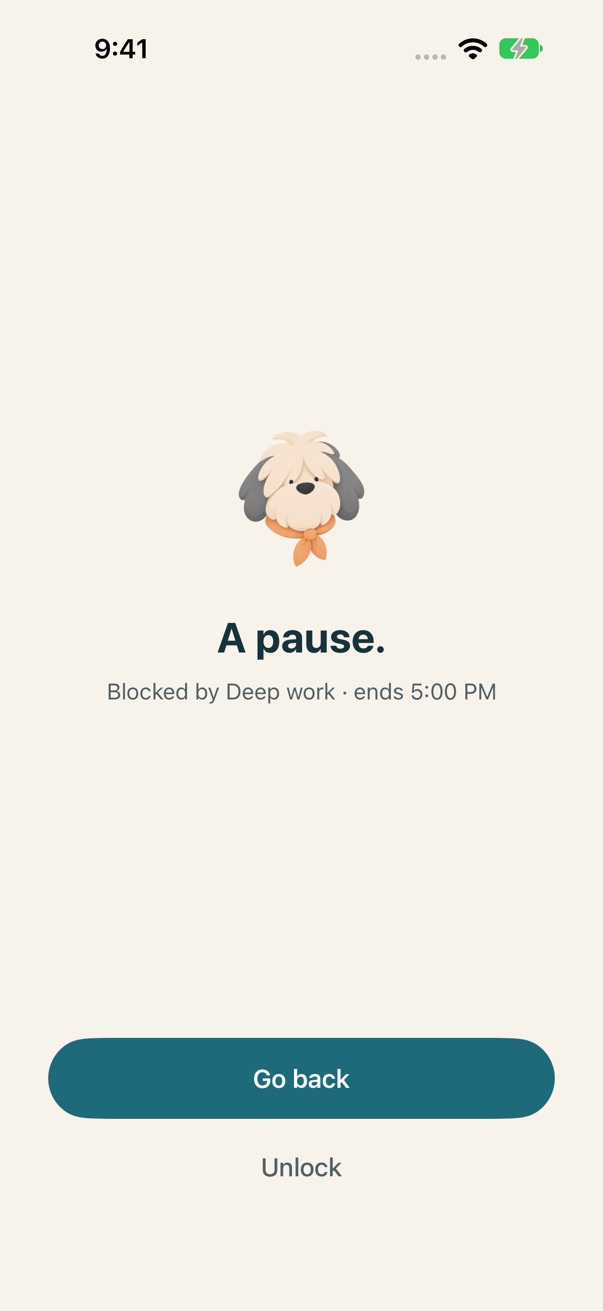
Open a blocked app and you can go back, or ask for a break. The first pause is 10 seconds. Later ones that day get longer: 30 seconds, a minute, then two.
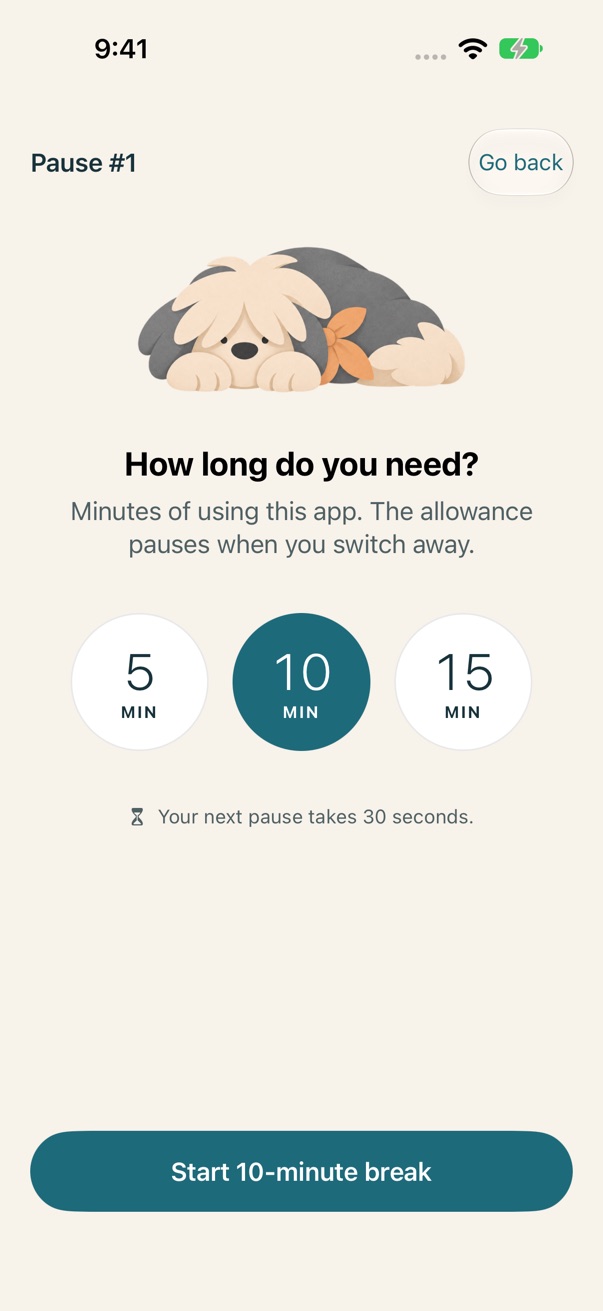
Choose 5, 10 or 15 minutes. For apps you picked one by one, that counts minutes of use, not minutes on the clock. Then the app is blocked again.
Need a block right now? Start a one-off session from your Apps to block list with a timer, and stop it whenever you like.
No points, badges or guilt trips. Going back is always one tap, and the sheepdog never looks disappointed in you.
See how often you reached for a blocked app, recorded on your iPhone. We don’t pretend it measures time saved.
Most reaching for a phone is automatic. Slowpass puts a calm, short wait in the way: long enough to notice, short enough never to feel like punishment.
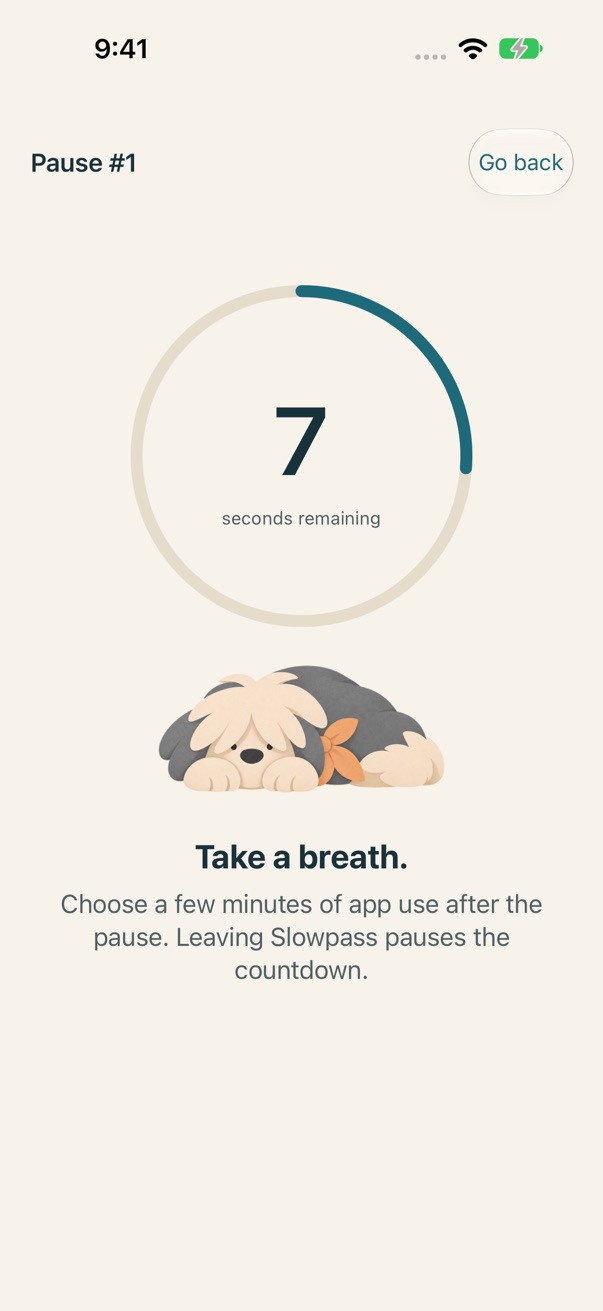
Slowpass’s companion is a calm sheepdog in an apricot scarf. It naps when nothing is blocked and waits beside you during a pause.

Routines, schedules, app choices, pause counts and activity are saved on your device. There’s no Slowpass account and no Slowpass server.
Screen Time gives Slowpass private identifiers for the apps you pick. It can’t see inside your apps, your messages or your browsing.
The app has no advertising or analytics SDKs. This website runs no ads, analytics or trackers.
Purchases go through Apple. Slowpass never sees your card details.
It’s planned for iPhone with iOS 16 or later. Start free with one routine; Premium adds more routines, apps and app categories. Questions or ideas? We read every message.